
01 — The Otra editor
Three editions. One price a year.
Otra is a music notation editor for people who miss how easy Encore was. Pick a note, click the staff, hear every part play, print the parts. The editions differ by the size of your work and by the studio tools; opening, printing and exporting your scores is never locked.
Otra Motif
$49a year
Hobbyists, students, church and community musicians
- Scores of up to 8 staves
- Notes, lyrics, chord symbols and linked parts
- Playback, print and export to PDF, MusicXML and MIDI
- 2 GB of cloud storage, 30 days of versions
- 20 Encore files converted
Otra Movement
$99a year
Serious amateurs, teachers, arrangers, Encore power users
- Everything in Otra Motif, with as many staves as you need
- Guitar TAB, chord frames and drum maps
- MIDI recording, piano roll, controller lanes and mixer
- Your own SoundFonts; export WAV and MP3
- 10 GB of cloud storage, a year of versions
- 20 Encore files converted
Otra Opus
$179a year
Composers and pros
- Everything in Otra Movement
- Every Encore file you have, converted
- 50 GB of cloud storage, every version kept
- The Mac desktop app on 3 computers, when it's released
USD a year, before tax · checkout by Paddle when Otra opens
When it opens, every new account starts with 30 days of Otra Movement, no card needed
02 — Side by side
What each edition does.
| Feature | Otra Motif | Otra Movement | Otra Opus |
|---|---|---|---|
| Price a year | $49 | $99 | $179 |
| Staves in a score | Up to 8 | Unlimited | Unlimited |
| Scores in the cloud | Unlimited | Unlimited | Unlimited |
| Cloud storage | 2 GB | 10 GB | 50 GB |
| Version history | 30 days | 1 year | Every version |
| Note entry by mouse, letters, on-screen piano or MIDI keyboard | Yes | Yes | Yes |
| Playback | Yes | Yes | Yes |
| Linked parts, lyrics, chord symbols | Yes | Yes | Yes |
| Open Encore, MusicXML and MIDI files | Yes | Yes | Yes |
| Encore files converted | 20 | 20 | All of them |
| Print; export PDF, MusicXML and MIDI | Yes | Yes | Yes |
| Works offline | Yes | Yes | Yes |
| Share links | Yes | Yes | Yes |
| Embed a player on your site | — | Yes | Yes |
| Guitar TAB, chord frames, drum maps | — | Yes | Yes |
| MIDI recording, piano roll, mixer | — | Yes | Yes |
| Your own SoundFonts; WAV and MP3 export | — | Yes | Yes |
| Mac desktop app, when released | — | 2 computers | 3 computers |
Your scores are never held hostage. If a licence ends, every score still opens, prints and exports; only writing waits for a new licence.
03 — The editor
Write it. Hear it. Print it.
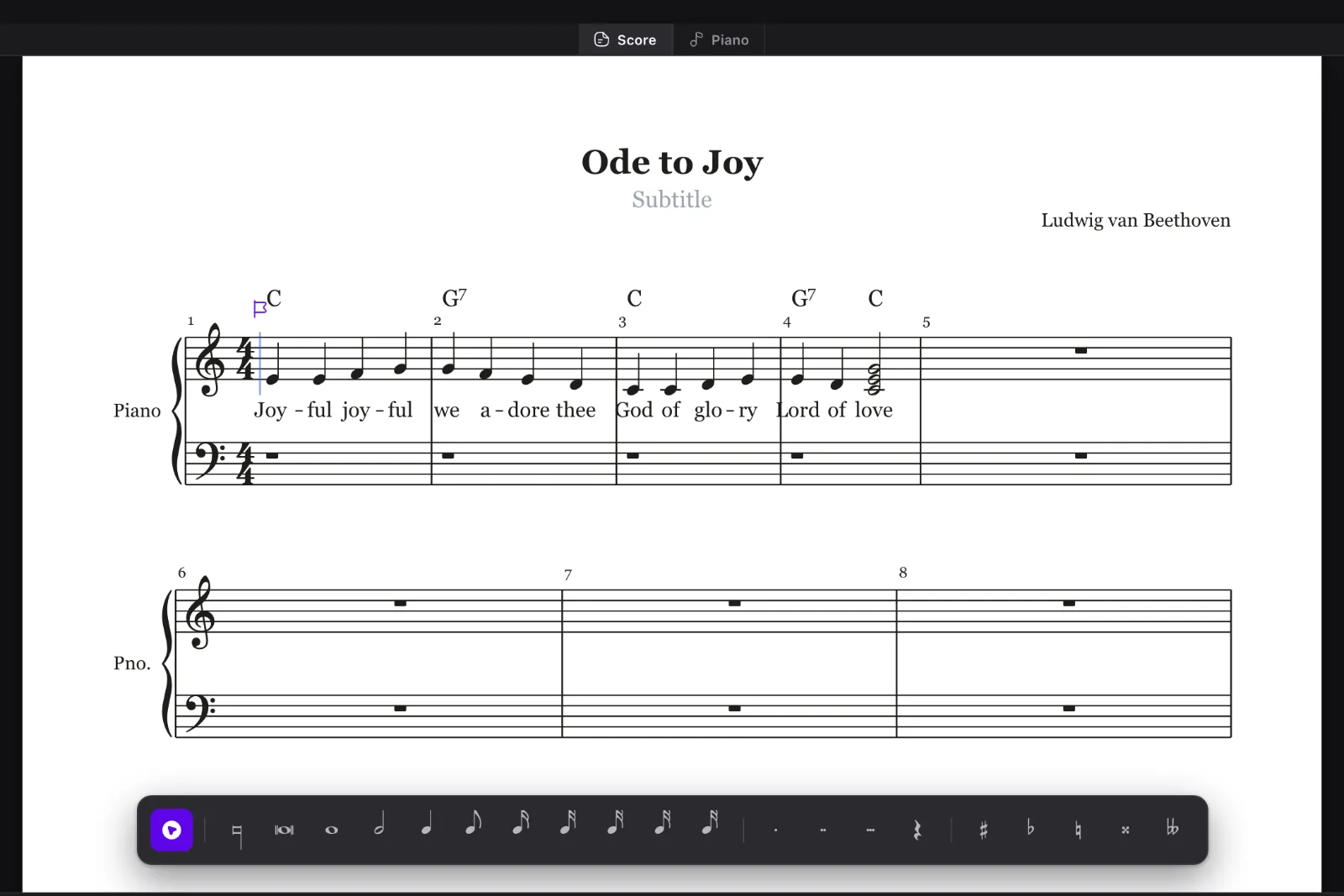
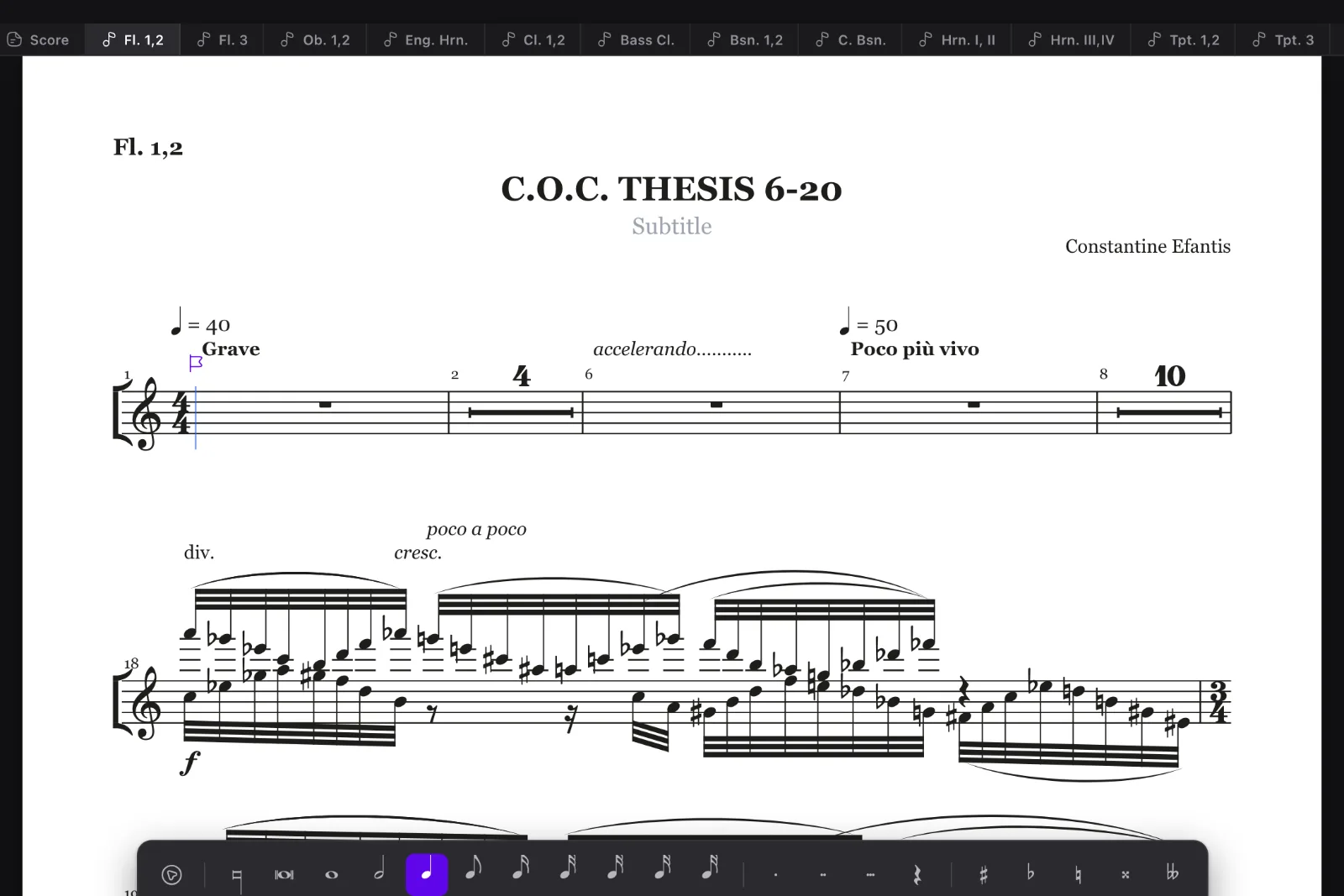
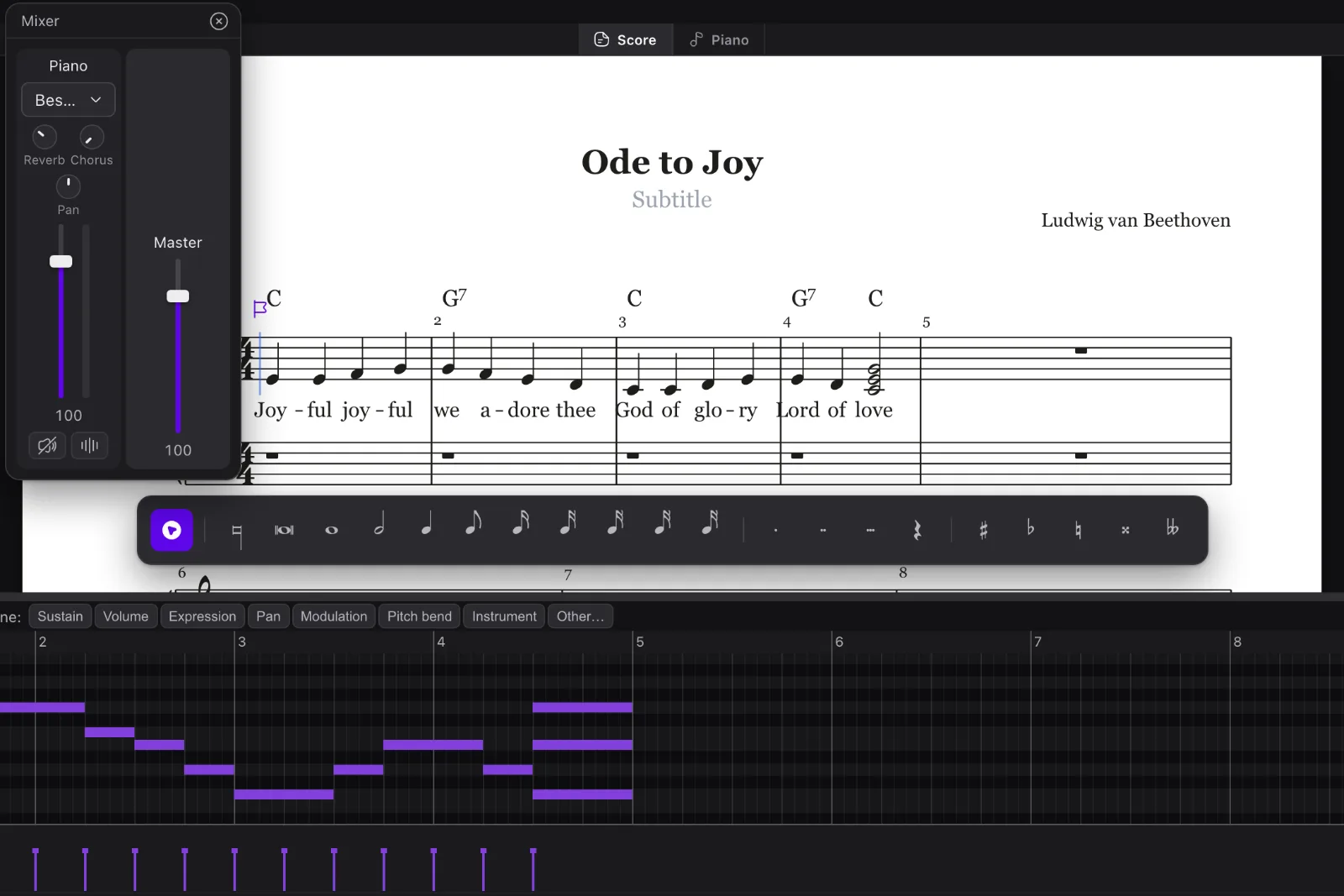
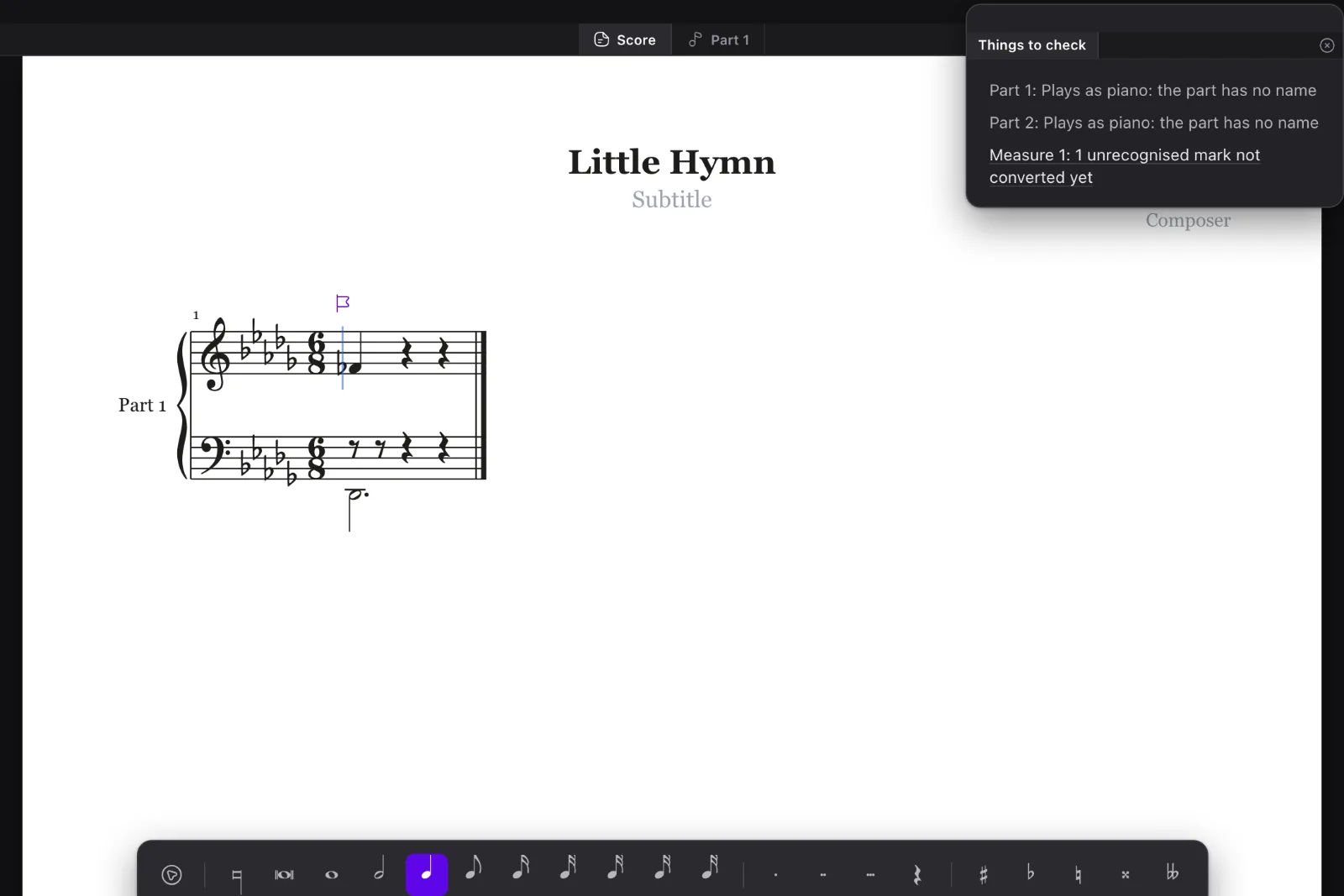
New to Otra? Four short tutorials take you from a blank page to a printed score.
See the tutorials